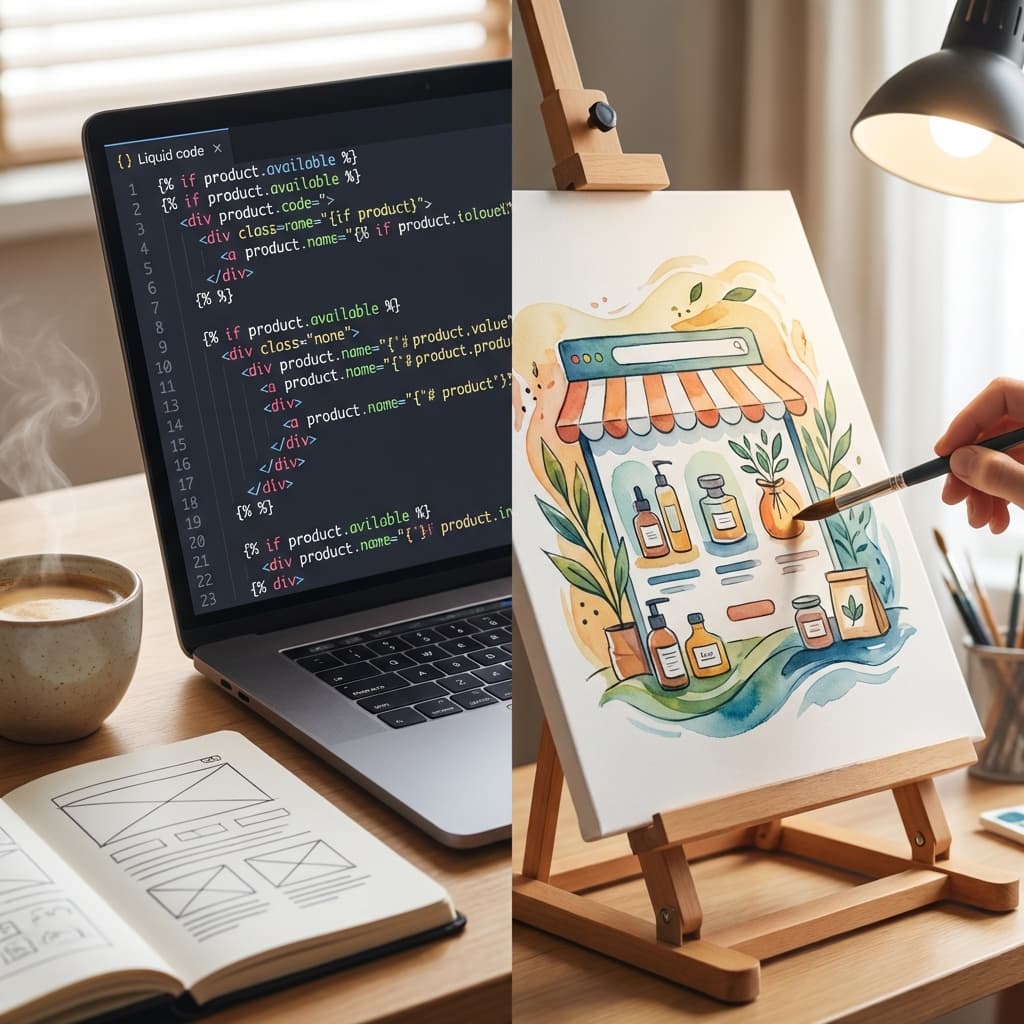
Mastering Shopify Theme Development: Best Practices for 2026
Building high-performance Shopify themes requires a deep understanding of Liquid templating, modern JavaScript frameworks, and e-commerce best practices. In this comprehensive guide, we'll explore the essential techniques that will elevate your Shopify development skills.
Understanding Modern Shopify Architecture
The Shopify ecosystem has evolved significantly over the past few years. With the introduction of Online Store 2.0, developers now have access to more powerful tools and flexible architecture patterns.
Key Components of Modern Themes
- Section-based architecture - Modular, reusable components
- App blocks - Seamless third-party integrations
- Metaobjects - Custom data structures
- Theme extensions - Enhanced customization capabilities
Liquid Optimization Techniques
Liquid is the backbone of Shopify themes, and optimizing your Liquid code is crucial for performance.
Minimize Database Queries
{% assign products = collection.products %}
{% for product in products limit: 12 %}
  {%- render 'product-card', product: product -%}
{% endfor %}
Use Lazy Loading for Images
Implement native lazy loading to improve initial page load times:
<img
  src="{{ product.featured_image | img_url: '800x' }}"
  loading="lazy"
  alt="{{ product.title | escape }}"
>
Performance Best Practices
Performance is critical for e-commerce success. Here are the key metrics to focus on:
- Largest Contentful Paint (LCP): < 2.5 seconds
- First Input Delay (FID): < 100 milliseconds
- Cumulative Layout Shift (CLS): < 0.1
Code Splitting and Lazy Loading
Break your JavaScript into smaller chunks and load them on demand:
// Load cart functionality only when needed
const initCart = async () => {
  const { Cart } = await import('./cart.js');
  new Cart();
};

document.querySelector('[data-cart-trigger]')
  ?.addEventListener('click', initCart, { once: true });
Modern Development Workflow
Setting up an efficient development workflow is essential for productivity.
Recommended Tools
- Shopify CLI - Local development and theme deployment
- Theme Check - Linting and best practice validation
- Git - Version control and collaboration
- Dawn - Reference implementation for best practices
Development Environment Setup
# Install Shopify CLI
npm install -g @shopify/cli @shopify/theme

# Create a new theme
shopify theme init

# Start local development
shopify theme dev
Accessibility Considerations
Building accessible themes ensures your stores reach the widest possible audience.
Essential Accessibility Features
- Semantic HTML - Use proper heading hierarchy
- ARIA labels - Provide context for screen readers
- Keyboard navigation - Ensure all interactive elements are accessible
- Color contrast - Meet WCAG AA standards (4.5:1 ratio)
<button
  type="button"
  aria-label="Add {{ product.title }} to cart"
  aria-expanded="false"
>
  Add to Cart
</button>
Testing and Quality Assurance
Thorough testing prevents bugs and ensures a smooth customer experience.
Testing Checklist
- ✅ Cross-browser compatibility (Chrome, Firefox, Safari, Edge)
- ✅ Mobile responsiveness (iOS, Android)
- ✅ Checkout flow functionality
- ✅ Performance metrics (Lighthouse scores)
- ✅ Accessibility compliance (WAVE, axe DevTools)
Conclusion
Mastering Shopify theme development requires continuous learning and adaptation to new technologies. By following these best practices, you'll create themes that are fast, accessible, and maintainable.
Remember to stay updated with Shopify's official documentation and participate in the developer community to keep your skills sharp.
Ready to take your Shopify development to the next level? Explore our other resources on e-commerce optimization and advanced Liquid techniques.